

Retentive is in beta and under active development. Some features may not work as expected yet.
Deadlines, a Retentive tool for Klaviyo and Shopify
Klaviyo countdown timers with deadlines that are real.
Give every subscriber their own deadline and keep it the same everywhere: the timer in the email, the bar on your store and the Shopify code, which stops working at the same second. No timers that reset, no codes that outlive the offer.
- Per person or fixed date
- Single-use Shopify codes
- The timer on your store too
Welcome offer
15% off your first order
 Shop with my code
Linen throw blanket
$80.00$68.00
Code WELCOME-7KQ2 applied
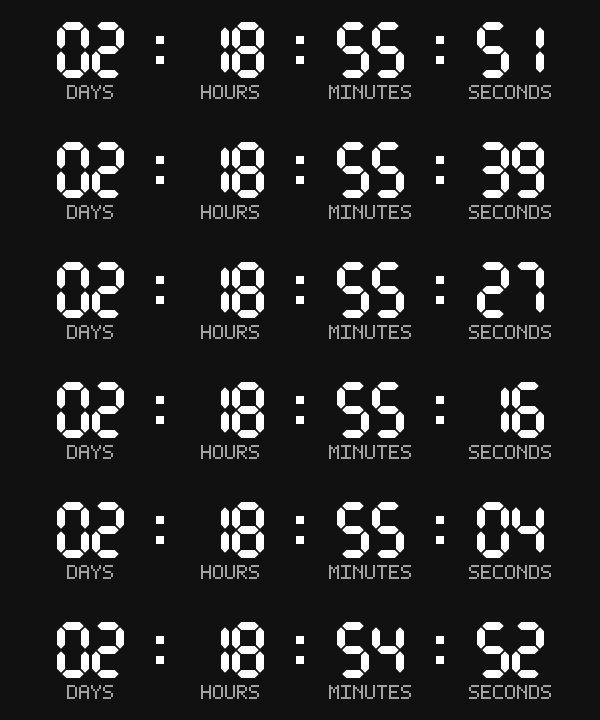
Both count to the same second. The email timer above is a live image.
Most email countdowns are a picture of a clock
Urgency only sells when it is true. Subscribers notice when the timer resets or the code still works next week, and the next deadline means less.
A countdown image
- One timer for everyone, no matter when they joined the list
- The code keeps working after the clock hits zero
- The store has no idea the offer ended
- Apple Mail shows the time left when the email arrived, not when it is read
A Retentive deadline
- Each person's clock starts when they enter the flow, or when the campaign is sent
- Each person gets a single-use code that Shopify itself expires at their deadline
- The same deadline on every page of the store, and the offer page closes after it
- Apple Mail readers see the end date and time, which stays true
How it works
Four steps, most of them copy and paste.
- Step 1
Create the offer
Per person, for example 72 hours from signup, or one end date for a sale. Choose the discount: a unique code per person, a code you already have, or none.
- Step 2
Design the timer
Any Google Font or a built-in style, your colors and sizes, cards, your own words under the numbers in any language, and what to show when time is up. The preview is the real image.
- Step 3
Paste it into Klaviyo and your theme
A webhook as the first step of the flow, one link for every button, one HTML block for the timer, and one line in your Shopify theme. Every piece has a copy button.
- Step 4
Sell more, honestly
See people, clicks and clicks after the deadline for each offer. A day after each deadline, unused codes are deleted from Shopify so they never pile up.
Match the timer to your brand
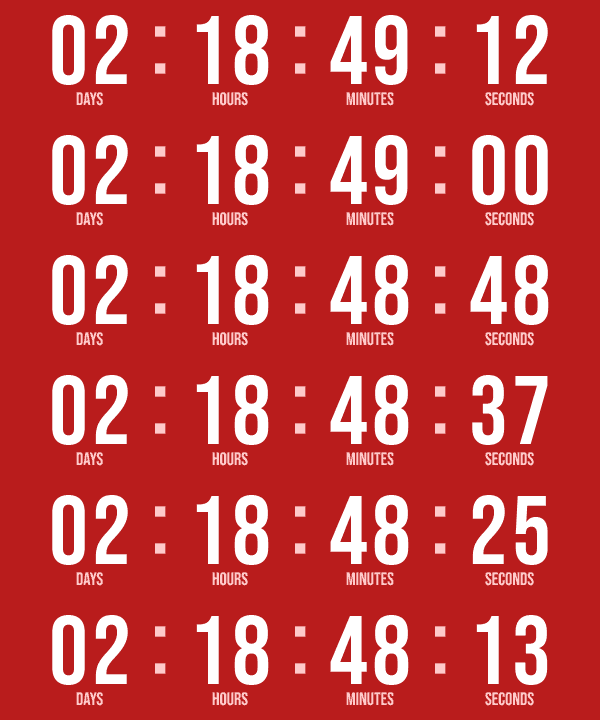
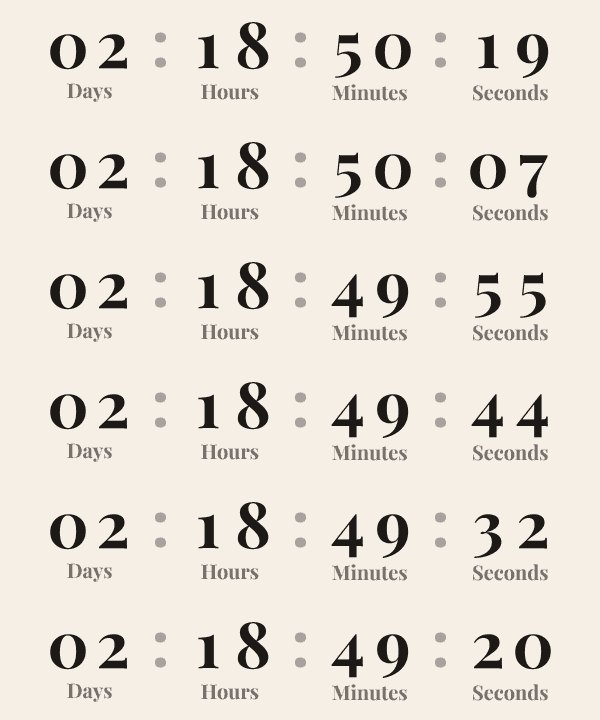
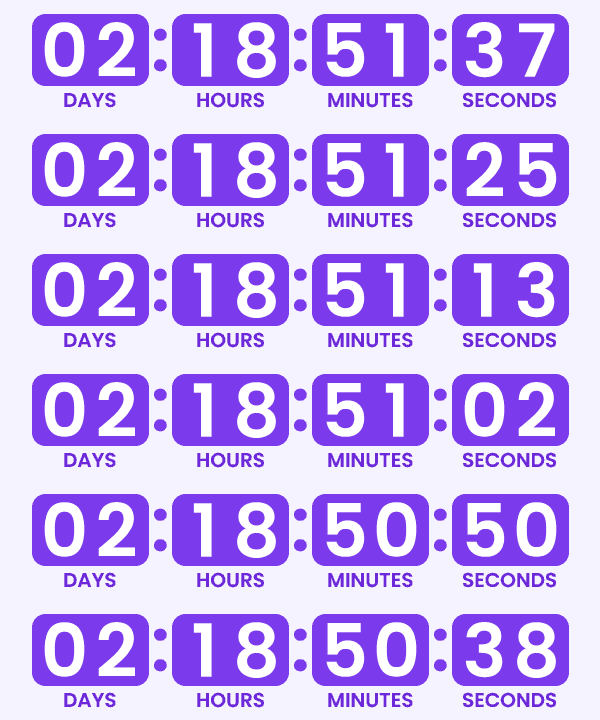
Any Google Font, or one of five built-in styles. Your colors, number and word sizes, cards with the corners you want, a transparent background, and your own words under the numbers: DÍAS, Jours or just D, H, M, S. The font is drawn into the image, so every inbox shows it exactly as you designed it.
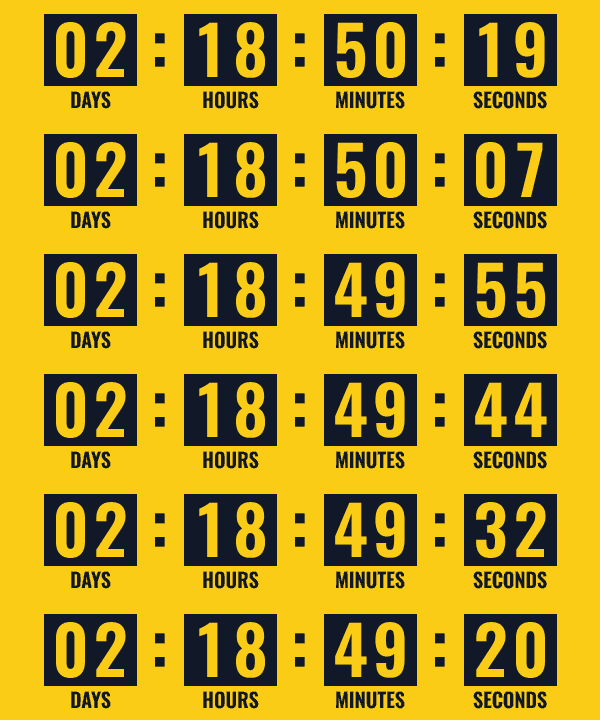
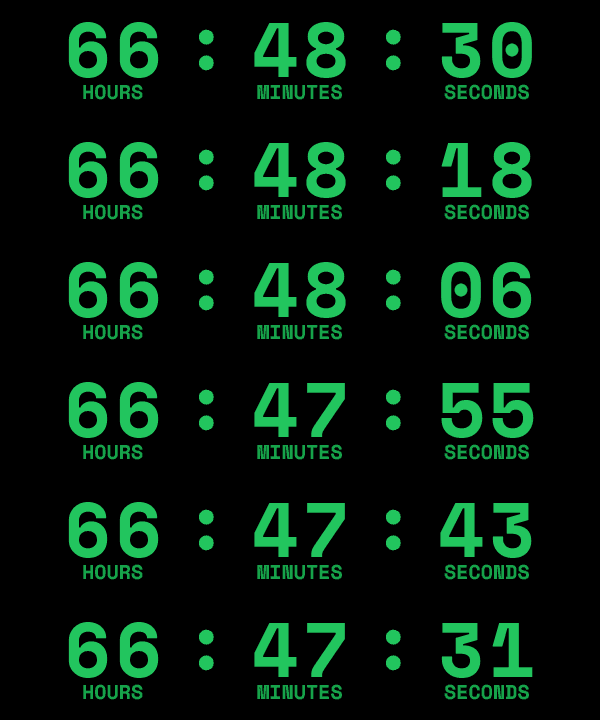
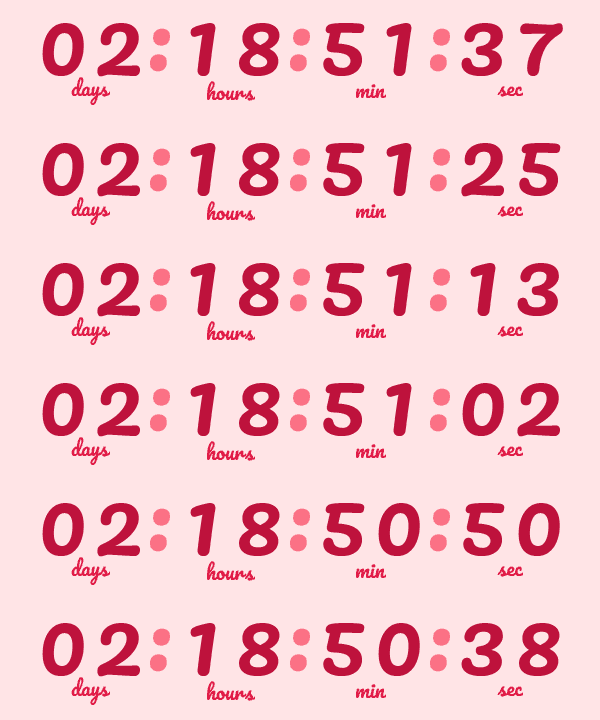
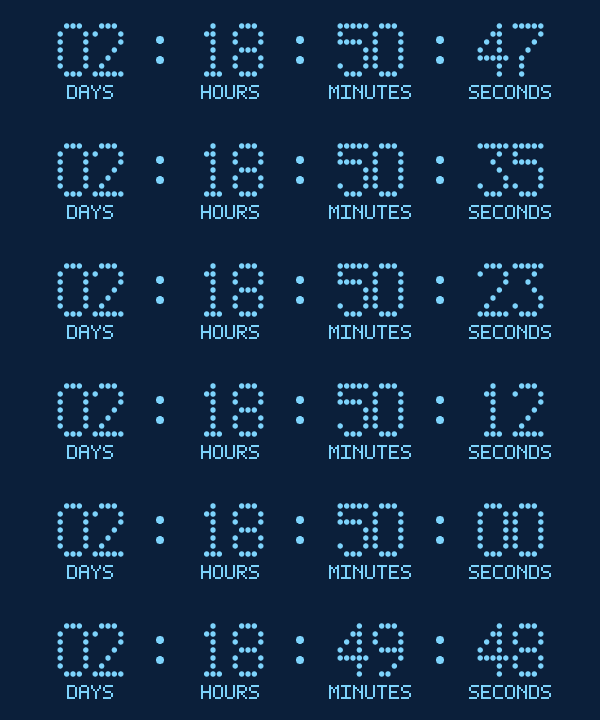
One deadline, everywhere it matters
Email countdown timer
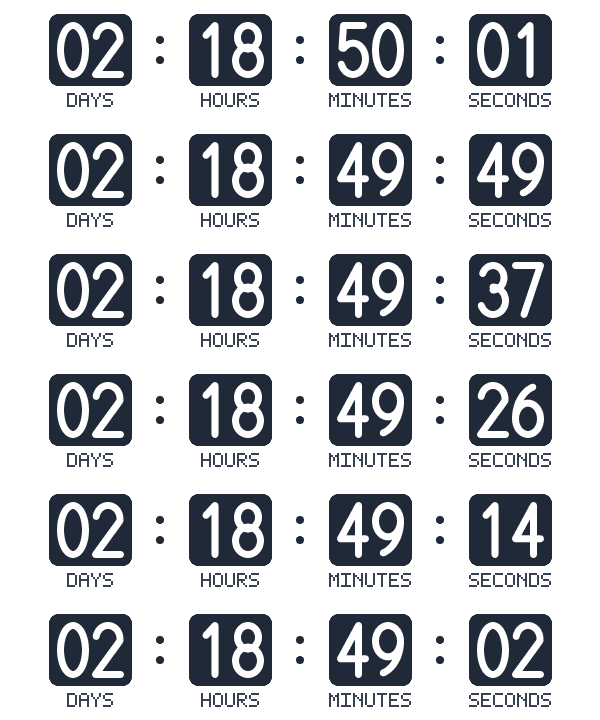
An image made at the moment of the open, with that person's own time left. It ticks for a minute while they read; Outlook shows the exact time at open.
Floating bar and inline timer
On your Shopify store, a bar at the top or bottom and a timer inside any page, with your message and button. It follows the person from page to page.
Codes that expire with the timer
Retentive creates one single-use Shopify code per person, on their first click, ending at their deadline. Shopify refuses it after that, so checkout agrees with the timer.
Links that know the deadline
Before it, the email link opens the offer page with the code already applied. After it, the same link opens the page for ended offers. UTM tags carry through.
Apple Mail handled
Apple Mail saves images when the email arrives. Its readers get the end date and time instead of a frozen clock, or no timer, as you choose.
Flows and campaigns
In a flow, the clock starts at the webhook step. In a campaign, it starts at the send time, read by Klaviyo itself, with no webhook at all.
Where brands use it
Welcome offer
15% off for 72 hours from signup, with the timer in every email of the welcome flow.
Abandoned cart
A 24-hour code for people who left a cart, ending the same time in the email and at checkout.
Black Friday and holidays
One end date for everyone, with the bar shown to every visitor of the store until it ends.
Win-back
A last-chance code for lapsed customers that really lapses, seven days after the email.
Frequently asked questions
What is a Klaviyo countdown timer?
A countdown timer is an image in a Klaviyo email that shows how long an offer has left. A plain timer counts to one date for everyone. Retentive's timer counts to each subscriber's own deadline, and the same deadline drives the link, the Shopify code and the timer on your store.
Does the timer restart if someone opens the email again?
No. Each person's deadline is stored once, when their clock starts, and never moves. Opening the email again, clicking again or visiting the store again only shows the time left on that same deadline.
Can every subscriber have their own deadline?
Yes. In a flow, a webhook step starts each person's clock when they enter it, for example 72 hours from signup. A fixed-date offer gives everyone the same end date instead.
Does it work with Klaviyo campaigns, not only flows?
Yes. The campaign version of the timer reads the send time from Klaviyo, so each person's time starts when the campaign goes out, without a webhook. Their first click stores that same deadline.
How does the discount code stop working at the deadline?
Retentive creates a single-use code in your Shopify store for each person who clicks, with an end date equal to their deadline. Shopify refuses the code after that. It needs your Shopify store connected with permission to create discounts.
How does the timer show up on my Shopify store?
You add one line to your theme once. When someone arrives from the email link, the store shows their deadline in a floating bar and in any inline timer you placed, on every page they visit. After the deadline, the offer page can send them to the page for ended offers.
What do Apple Mail readers see?
Apple Mail downloads images when the email arrives and shows that copy at every open, so a ticking clock would be stuck at delivery time. Retentive shows Apple Mail readers the end date and time instead, which stays true, or no timer if you prefer.
Can a custom font hurt deliverability or how the email looks?
No. The font is drawn into the timer image itself, so the email never loads a web font and Gmail, Outlook and Apple Mail all show the same picture. The timer is one small image, 600 by 120 pixels and usually 10 to 30 KB, with its width, height and alt text set.
How many timer opens are included?
Retentive Creative includes 1 million countdown timer opens a month per workspace, and each extra million is $9 a month, added or removed from your account page. Owners get an email at 80% and at 100%. Past the limit the timer still shows the right time, as a still image instead of ticking, and links, codes and store timers keep working.
Do I need Shopify?
The email timer and the smart links work with Klaviyo alone. Unique codes, the store timers and the cleanup of expired codes need your Shopify store connected.
Give your next offer a deadline people believe.
Deadlines is part of Retentive Creative, $49 a month, with the AI Creative Builder, the Klaviyo Email Slicer and the Brand Vault. It includes 1 million timer opens a month; each extra million is $9. Get Creative on its own, or every tool with Platform. 14-day trial, no card.
About Retentive Deadlines for Klaviyo
Retentive Deadlines is a countdown timer for Klaviyo built around one rule: a deadline shown to a subscriber must be real. Each person gets one deadline per offer, stored when their clock starts, and that deadline drives everything they see: the timer image in the email, the link to the offer, the Shopify discount code and the timer on the store.
An offer is either per person, for example 72 hours from the moment someone enters a Klaviyo flow, or a fixed date for everyone, such as the end of a Black Friday sale. In flows, a webhook step starts each person's clock. In campaigns, the clock starts at the send time, which Klaviyo writes into the timer and the link. A clock never starts on an email open, because Apple Mail opens images on delivery.
With a unique code per person, Retentive creates a single-use code in the Shopify store on the person's first click, ending at their deadline, and applies it through the link. Shopify refuses the code after that. A day after each deadline, codes that were never used are deleted from the store, and used codes are kept for the order history.
On the store, one line in the theme shows the same deadline in a floating bar and in inline timers on any page, for everyone who arrived from the email link. After the deadline, the offer page can send visitors to a page for ended offers. Deadlines is part of Retentive Creative, next to the AI Creative Builder and the Klaviyo Email Slicer.